Free AI Checklist Generator
Describe what you need to get done and our AI writes a clear, grouped checklist with check-off boxes, in the right order. Edit the live preview, then print it or download as PDF or Word. No signup.
A checklist for anything you need to track
Tell the AI what you're planning or want to remember. It turns it into an ordered, grouped checklist so nothing slips through the cracks.
From a task to a finished checklist in three steps
Describe what you need
The job, event, or routine, and anything that must be included.
AI builds the checklist
Clear, ordered items with check-off boxes, grouped into sections.
Edit & print
Add or reorder items, then print it or download a PDF or Word file.
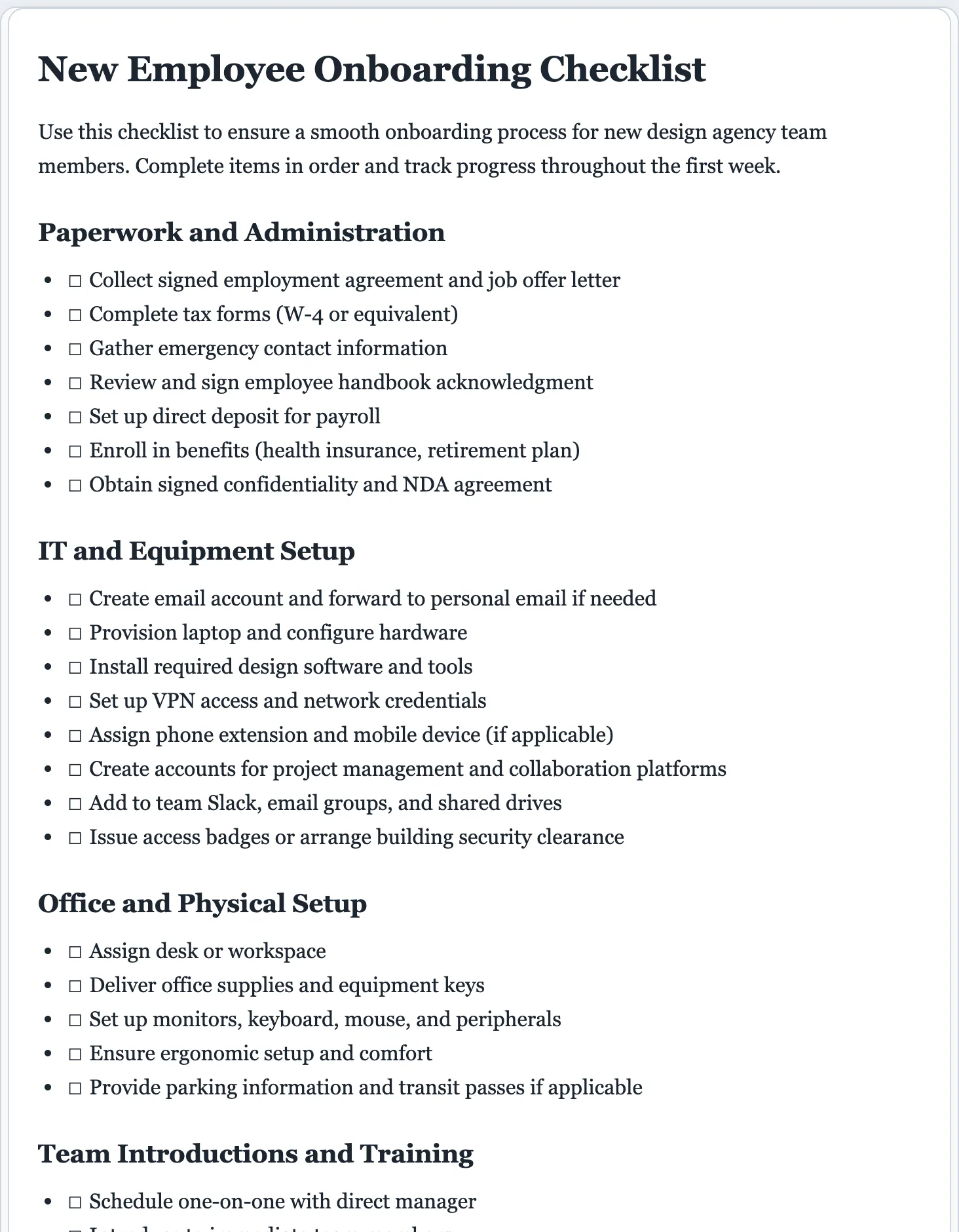
A checklist that nothing slips past
A good checklist is ordered, grouped, and specific. The AI breaks your task into clear steps you can actually tick off, instead of a vague to-do.
- A clear title for the checklist
- Items grouped into sections when there are many
- A check-off box in front of every item
- Short, actionable steps in a sensible order
- Nothing obvious left out for your task
- Ready to print or keep digital
Documenting a repeatable process? Turn it into a full standard operating procedure.
Checklists without forgetting a step.
The point of a checklist is the step you would have forgotten. Describe the task once and start from a complete, ordered list instead of trying to remember everything yourself.
- Ordered, grouped, and specific, every time.
- Fully editable. Add, reorder, or group items in the preview.
- Print it or export to PDF or Word. Your list isn't stored by us.
AI checklist generator questions
Is the AI checklist generator free?
Yes. You can create and download checklists for free, with no signup. There's a small daily cap so the tool stays fast for everyone.
How does the AI checklist generator work?
Describe what you need to get done or track. The AI writes a titled checklist with clear, actionable items, grouped into sections, which you then edit, print, or download.
Can I print or download the checklist?
Yes. Export a print-ready PDF or an editable Word (.docx) file in one click, then print it and check items off by hand or keep it digital.
Can I check items off?
Each item starts with an empty checkbox. Print the checklist and tick them off, or edit the document and mark items complete as you go.
What kinds of checklists can it make?
Onboarding, event planning, moving, travel packing, cleaning, project tasks, daily routines, safety and inspection checklists, and more. Describe yours and the AI organizes the steps.
Why use a dedicated AI checklist generator instead of a chatbot?
It's purpose-built: you get a properly grouped checklist with check-off boxes, a live editable preview, and one-click PDF or Word download, with no prompting back and forth.
Can I edit the checklist before downloading?
Yes. Every part is editable. Click anywhere to change an item, or use the refine options to group items into sections, add more, or add due dates and owners.
Make your checklist free
Describe the task and get an ordered, ready-to-print checklist in seconds.
A dedicated generator for every document
Each one is tuned for its document type, with the right structure and guided fields. Open the generator you need, or start from the tool above.