Free AI Report Generator
Describe your topic and key points, and our AI writes a structured report in seconds. Summary, findings, and recommendations. Edit the wording in the preview and save to PDF or Word. Free to use, no signup.
A report writer for any subject
Give the AI your topic and the points to cover. It returns a well-organized report. Title, executive summary, body sections, and a conclusion, ready to edit and download.
From a topic to a finished report in three steps
Describe the report
Your topic, audience, the key points or data to include, and how formal it should be.
AI writes the report
You get a structured draft. Title, executive summary, clear sections, and a conclusion.
Edit & download
Click anywhere to refine the wording or add detail, then download a polished PDF or Word file.
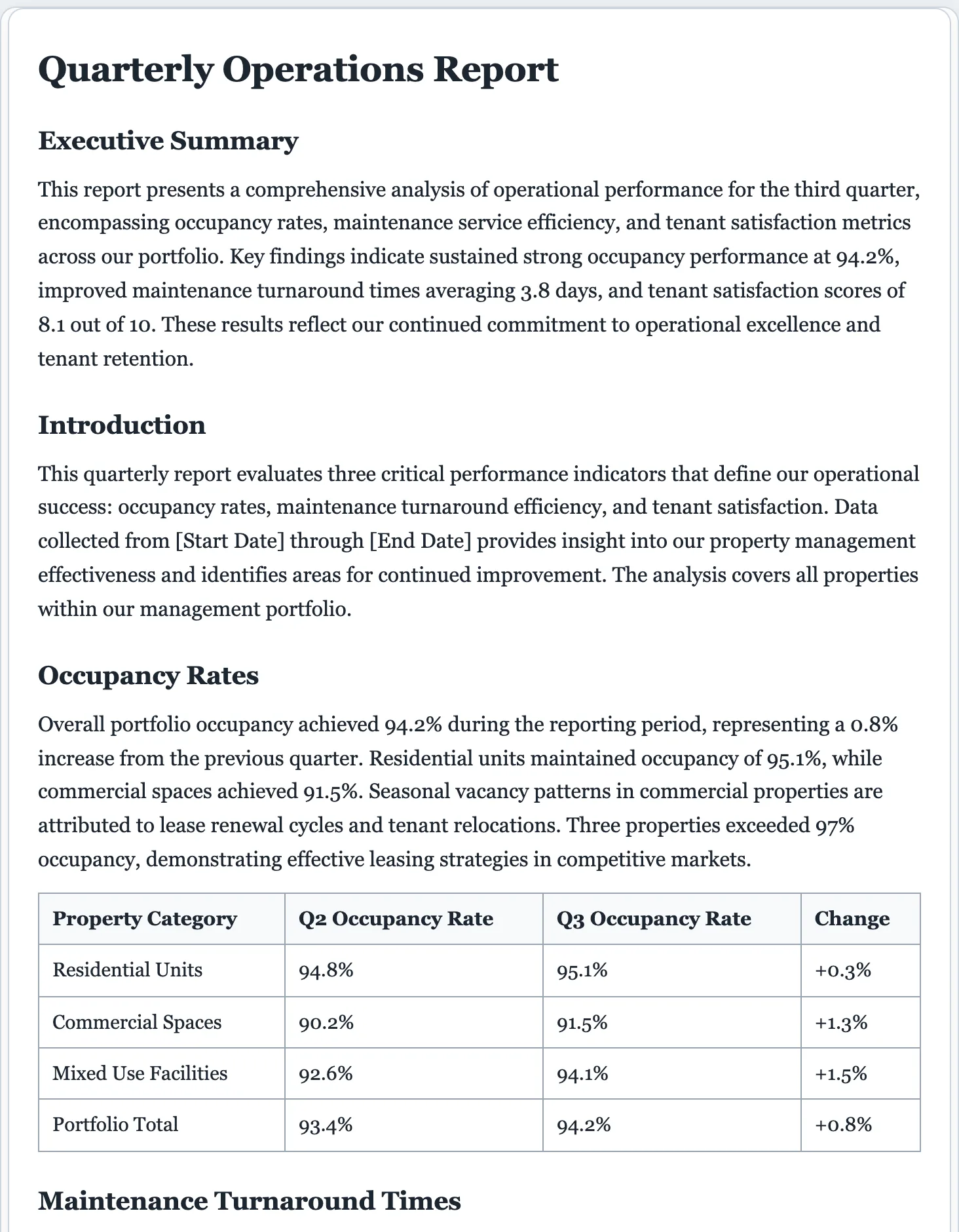
Well-organized reports, minus the busywork.
No blank page, no wrestling with structure. Describe what you need and get a clear, professional report you can edit and download, all backed by the FormsPal platform behind 16,000+ documents.
- Executive summary, clear sections, and a conclusion every time.
- Fully editable. Adjust tone, length, and detail before you send.
- Download as PDF or Word in a click, with nothing saved on our end.
AI report generator questions
Is the AI report generator free?
Yes. You can write and download reports for free, with no signup. There's a light daily cap so the writer stays responsive for everyone.
How does the AI report generator work?
Describe your topic, audience, and the key points or data to cover. The AI writes a structured report. Title, executive summary, body sections, and conclusion, which you then edit and download.
What types of reports can it write?
Business, project, research, incident, financial, marketing, annual and quarterly reports, student and lab reports, and more. Just describe what you need.
Can I edit the report before downloading?
Yes. The report is fully editable. Click anywhere to rewrite sections, adjust the tone, or add detail, then download a PDF or Word file.
Can I control the length and tone?
Yes. Set the tone and length before generating, and mention any requirements in your description. You can refine everything in the live preview afterward.
Can I match my company's report format?
Yes. Mention your preferred structure, headings, or house style in the description, then adjust the sections, tone, and length in the live preview before exporting to PDF or Word.
Write your report free
Describe the topic and get a structured, professional report in seconds.
A dedicated generator for every document
Each one is tuned for its document type, with the right structure and guided fields. Open the generator you need, or start from the tool above.